Cosmetic batch code checker
Select a brand and enter the code on your packaging to estimate its production date. Results depend on the brand and code format.
573 directory brands · Coverage varies · Free
Don't have a batch code? Use the expiry calculator
Where is my batch code?
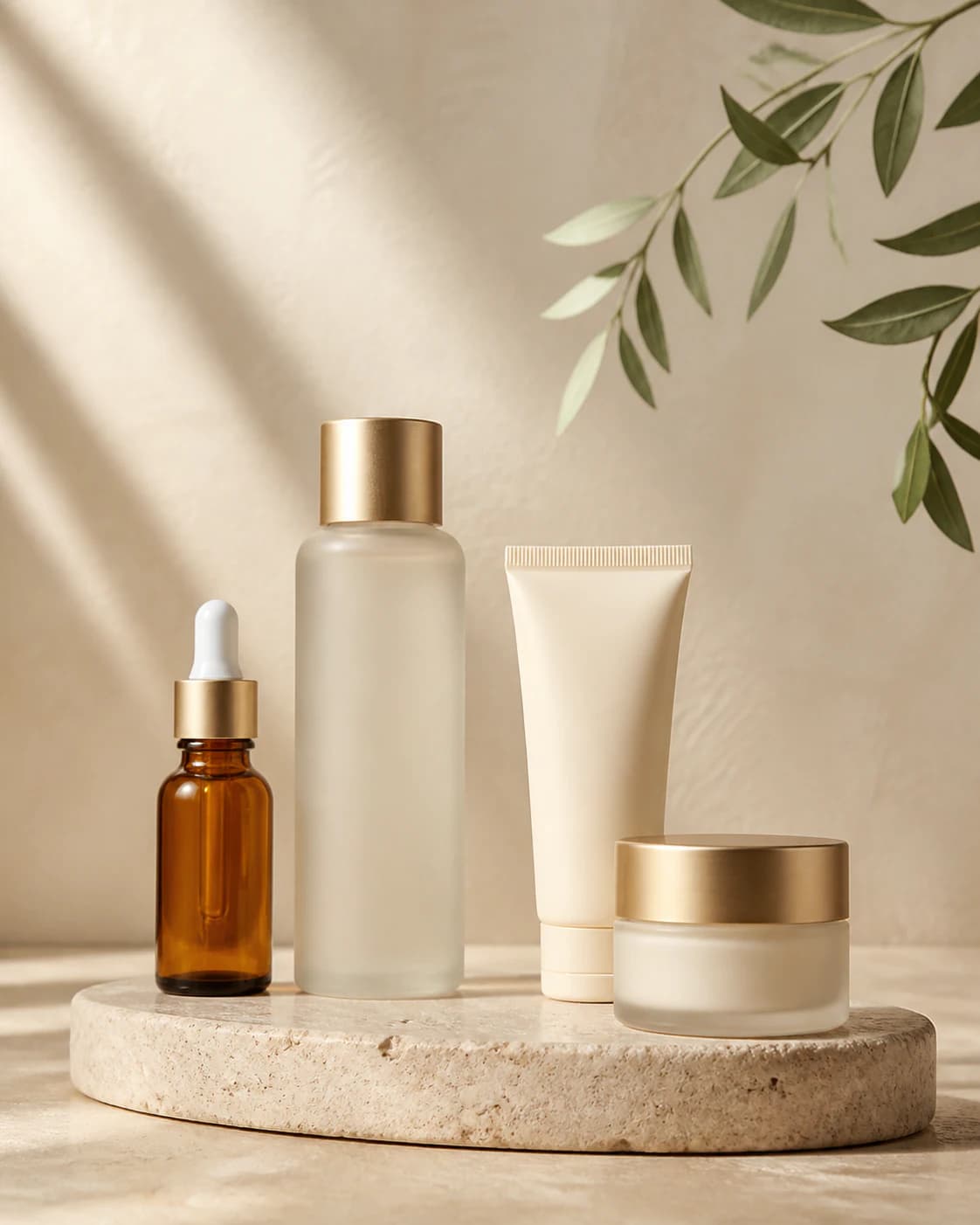
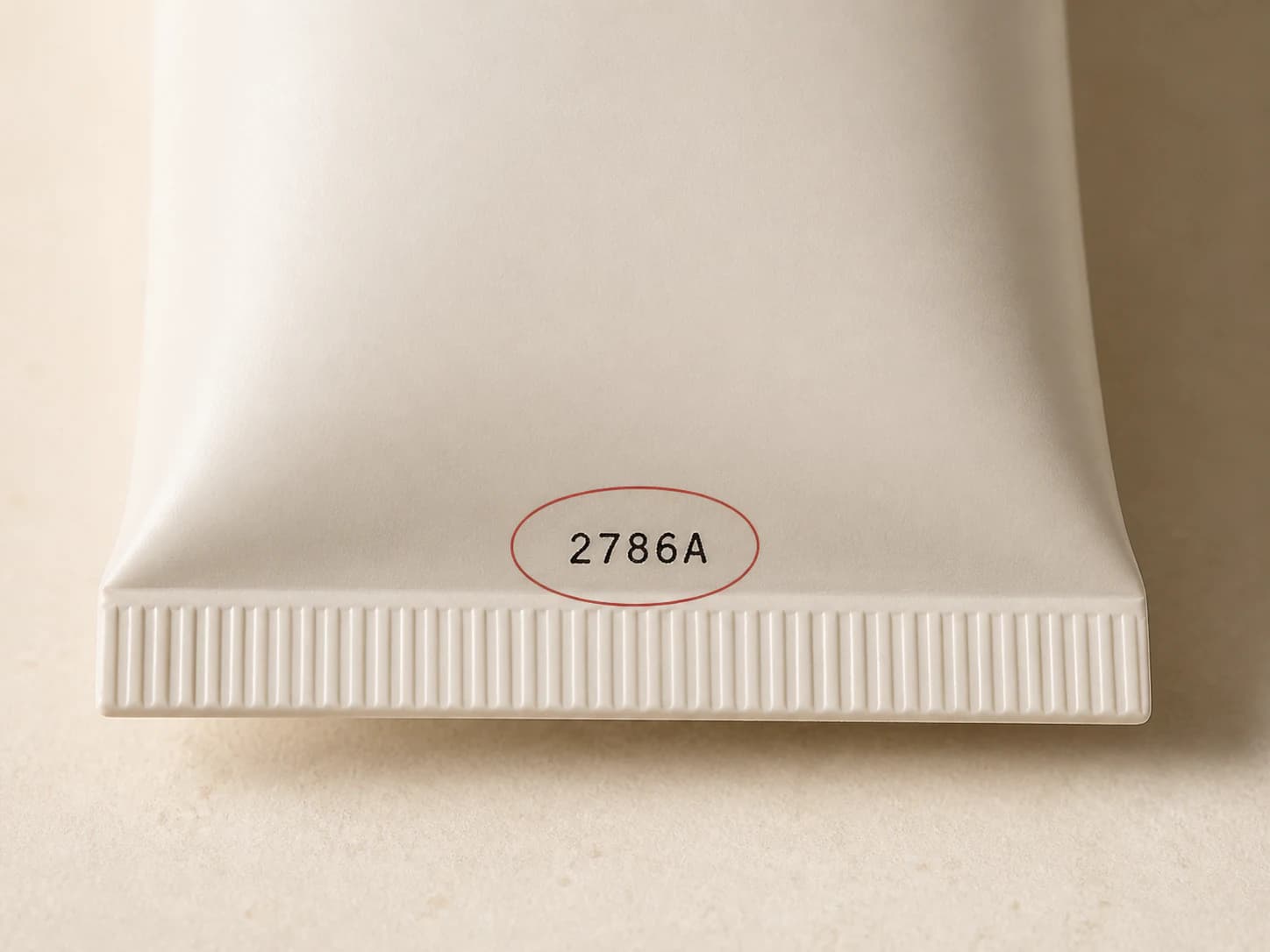
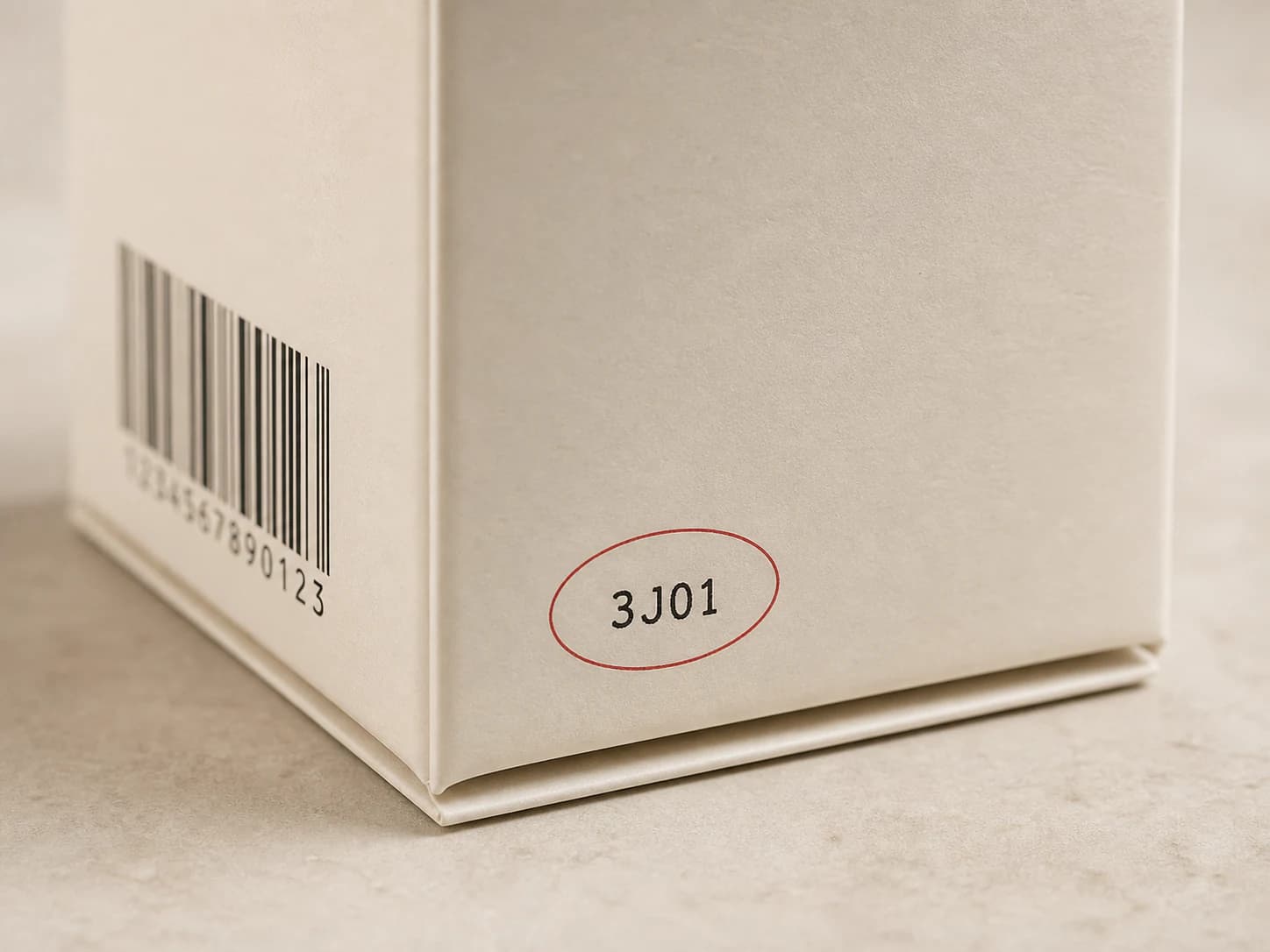
Look on the bottle base, tube crimp, or outer box for a short printed or embossed lot code. Copy its letters and numbers, not the long retail barcode. These illustrations show typical locations; placement varies by brand.
See the full visual guide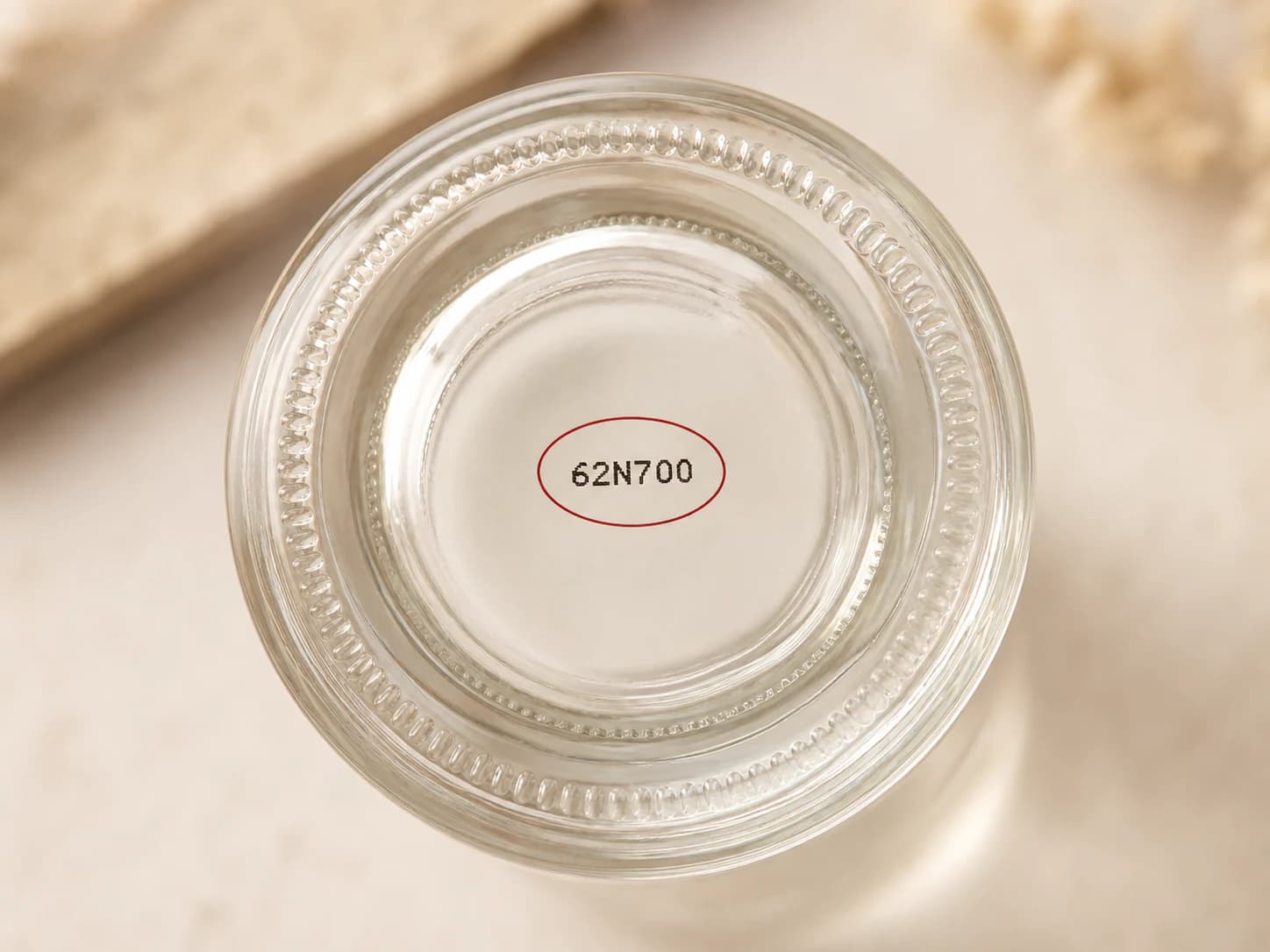
Featured brands
A directory listing does not guarantee a date result. Open a brand page to check its available formats, label guidance and limitations. Burt's Bees and Andalou Naturals have published format information linked from their pages. Other entries may provide an estimate or guidance only; support can vary by market and product range.
How to check your product
A batch or lot code identifies a production run. Some manufacturers encode a date in it, but there is no universal format for all cosmetics. Start with the brand printed on your product.
Select the brand
Search for the name on the packaging. Choose that brand rather than its parent company or a similar name. If you cannot find it, browse the directory for label guidance. Selecting a different brand just to get a result can produce a misleading date.
Enter the lot code
Use the separately printed or embossed letters and numbers. Check the container and box in good light, especially if a character could be either a letter or a digit. Do not substitute a barcode, shade number or the volume printed on the label.
Read the result
Look at the date precision, estimated product age and any limitations shown with the result. An unsupported format may return no date. Keep the package instructions handy: a decoded manufacturing date alone does not tell you when an opened product should be replaced.
What your result means
- Production date
- This is an estimate of when the batch was made. A month-only result does not identify an exact day, and a repeated year character can leave more than one possible year. Product age measures elapsed time since the estimated manufacturing date, not the time since you bought or opened it.
- Expiry and shelf life
- An expiry date printed by the manufacturer and a shelf-life reference calculated by this tool are different kinds of information. A general reference is not a product-specific guarantee. Where the result cannot establish an expiry date, it remains unknown; follow the printed EXP date and the brand's instructions.
- After opening (PAO)
- The open-jar symbol describes the period after opening: 12M means twelve months from first opening, not from manufacture or purchase. To use a PAO calculation, you need your opening date and the period printed on that product. A batch-code lookup cannot recover the day you first opened a jar.
CosmeticBatchTool is an independent reference tool. A recognized format does not verify authenticity, storage conditions or suitability for use. When a result looks inconsistent, keep the full code and packaging details and ask the manufacturer to confirm. Brand pages explain the available evidence and coverage limits.
Choose a cosmetic calculator for batch dates or PAO based on the information you have. If the package already shows MFG or MFD, learn how to read its date of manufacture first.
Cosmetic shelf life, explained
Frequently asked questions
Where can I find the batch code?
Check the bottle base, jar underside, tube seal or box flap. Look for a short group of letters and numbers, sometimes marked LOT. The length varies by manufacturer. A barcode identifies the retail product and is not interchangeable with the lot code. If the printing is unclear, compare the container with its outer box before entering it.
How accurate are the results?
Accuracy depends on the selected brand, the code format and the evidence available for that format. A result may identify a day, month or year. Some year characters repeat across decades, so a plausible date may still need confirmation. Read the precision and warnings on the result page, and ask the manufacturer when the estimate conflicts with the packaging or purchase history.
Is this service free?
Yes. The checker and manual expiry calculator are free to use without an account. Choose your brand and enter the printed code to start. A free lookup still depends on available format coverage; the site cannot promise to decode every brand or every production run.
What if my code cannot be recognized?
Confirm the brand and check characters such as 0 and O or 1 and I. Make sure you entered the lot code rather than a barcode or product number. If it still fails, the format may be unsupported; this alone does not mean the product is counterfeit or expired. Contact the brand with the full code and clear packaging photos. Use the manual calculator only if you already have the dates or periods it requires.
Does a matching code prove my product is authentic?
No. A matching code means that its format can be interpreted by an available rule. It does not check the physical product, seller or supply chain, and the same code can appear on multiple items. For authenticity concerns, keep your purchase details and ask the brand or an authorized retailer to review the product.
Can I check perfume or scan a barcode here?
You can enter a perfume lot code when the selected brand has a supported format. This tool accepts typed letters and numbers; it does not scan photos, QR codes or retail barcodes. Perfume and skincare can use different formats even within one brand, so read the brand page before interpreting a result.